
Topic Clustering
Turn your keyword library into a plan of pages to write
Group the keyword clusters in your library into broader themes. See which pages belong together, build authority around each theme, and know exactly which one to write next.
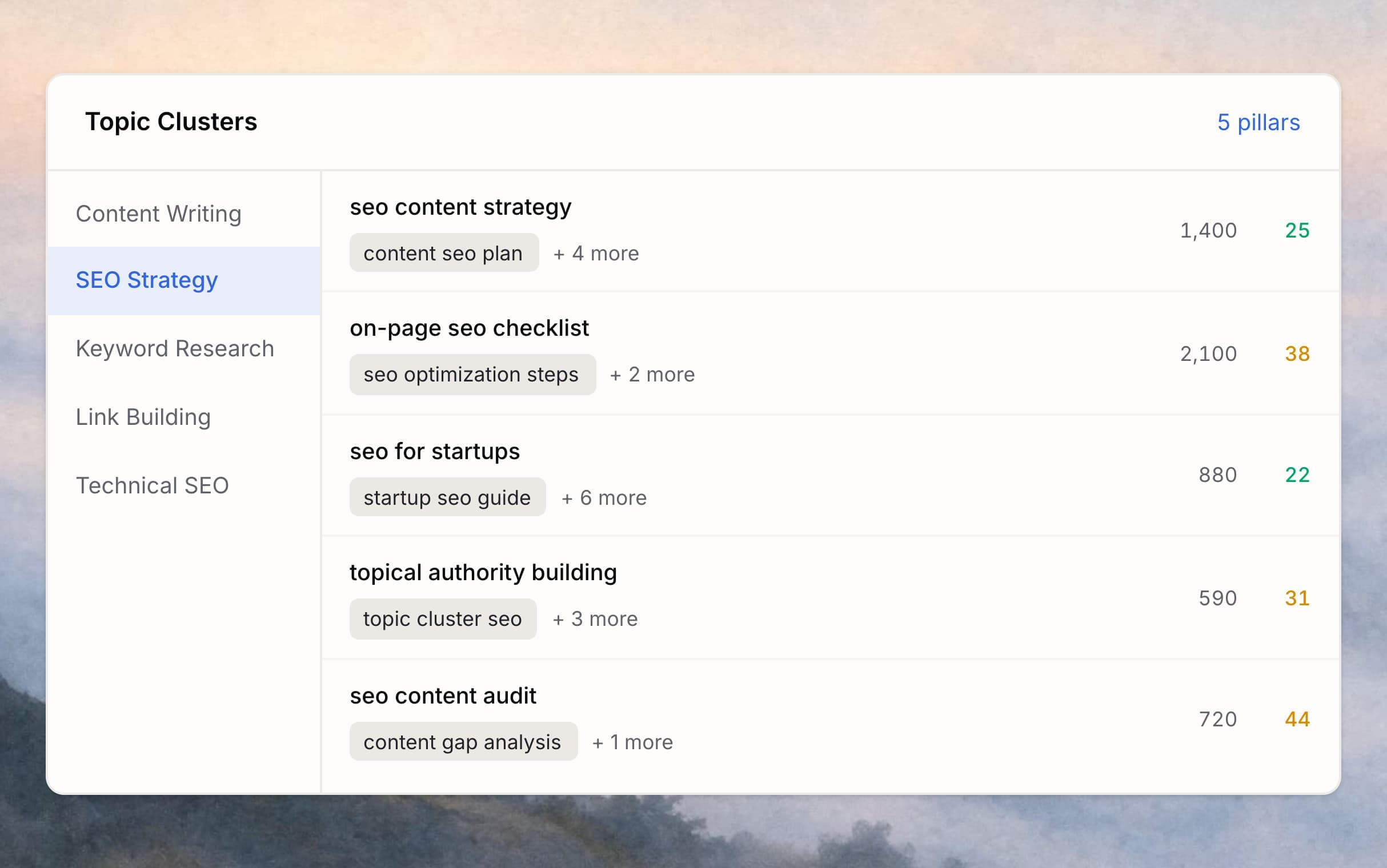
The problem
A big keyword library is still a blank page.

Hundreds of rows, no plan
You exported 500 keywords. Now what? Every cluster looks equally important. Nothing tells you which ones belong together, which to start with, or which actually fit your product.

Scattered posts, slow rankings
When your content jumps between unrelated topics, search engines never recognize you as an authority on any one of them. Each new post starts from zero instead of compounding what you have already published.
What you gain
From a keyword dump to a plan you can publish against
A flat library becomes a navigable map
Themes sit above your existing keyword clusters and give you a top-level view of the library. You see, at a glance, which page opportunities belong together and which subject area to plan first.
Build topical authority, not scattered traffic
When you publish the clusters inside one theme together, search engines see a coherent expert on that subject. Every new page under that theme reinforces the ones before it, instead of each post starting from zero.
A pillar-cluster architecture, ready to brief
Each theme is a pillar candidate, and the keyword clusters inside it are the supporting pages — already grouped, already tied to real searches. Internal linking writes itself.
Start with the theme most likely to win
Review each theme alongside the search volume and difficulty already in your library, then pick the one that best fits your product, audience, and ranking potential.
A flat library becomes a navigable map
Themes sit above your existing keyword clusters and give you a top-level view of the library. You see, at a glance, which page opportunities belong together and which subject area to plan first.
Build topical authority, not scattered traffic
When you publish the clusters inside one theme together, search engines see a coherent expert on that subject. Every new page under that theme reinforces the ones before it, instead of each post starting from zero.
A pillar-cluster architecture, ready to brief
Each theme is a pillar candidate, and the keyword clusters inside it are the supporting pages — already grouped, already tied to real searches. Internal linking writes itself.
Start with the theme most likely to win
Review each theme alongside the search volume and difficulty already in your library, then pick the one that best fits your product, audience, and ranking potential.
How it works
Four steps from library to publish plan
Start from your keyword library
Select the library you want to organize. Topic Clustering works on the keyword clusters already inside it — nothing new to upload, no fresh seed list to invent.
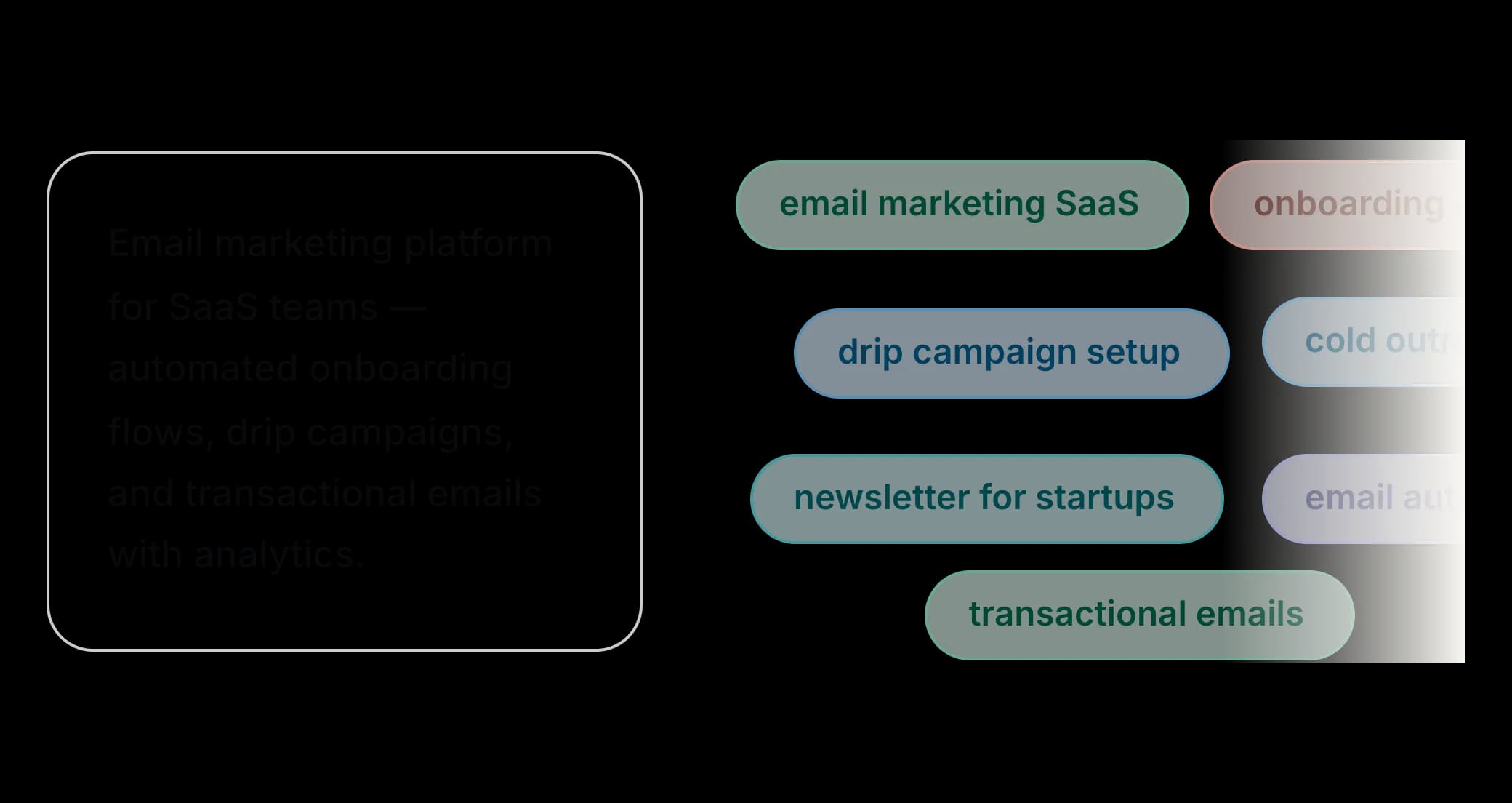
AI extracts the themes
RankEarly reads your clusters and pulls out a small set of broader themes. Each theme describes a subject area your site can own, built from the keywords and SERP data you already gathered.
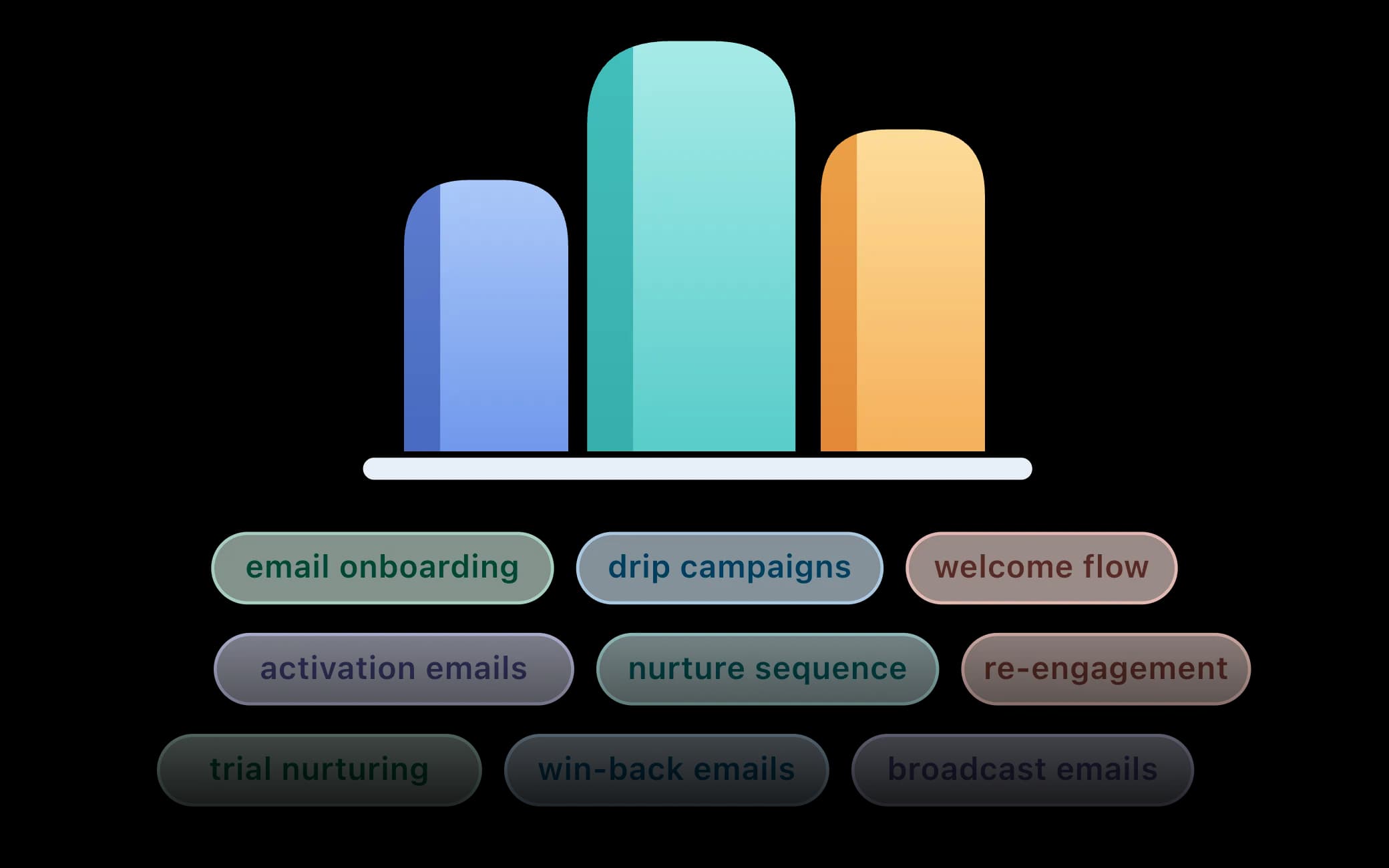
Clusters group under themes
Each keyword cluster is placed under the theme it fits best, along with a count of the keywords it covers. Weak matches stay uncategorized instead of being forced somewhere wrong.
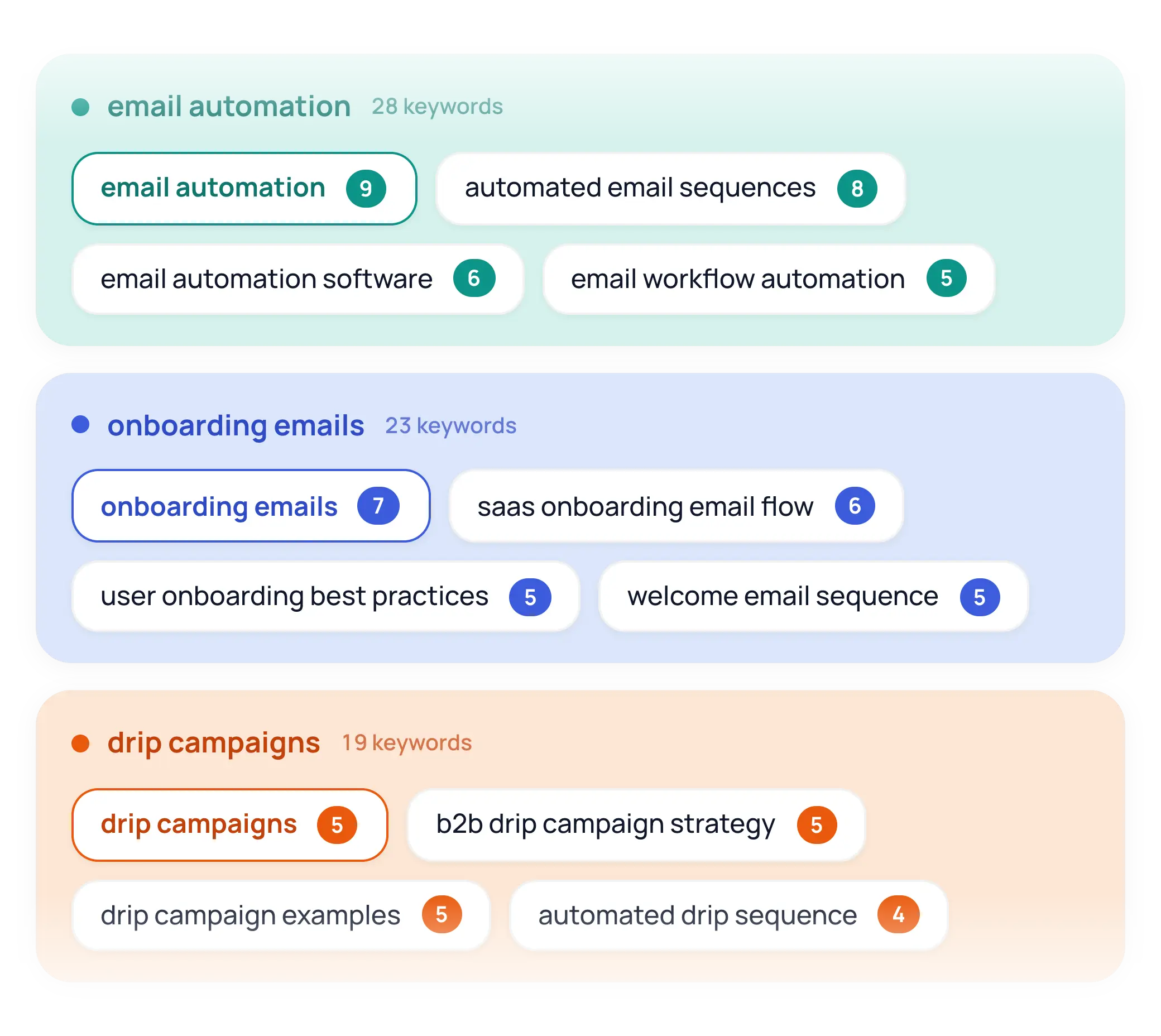
Pick a theme to write first
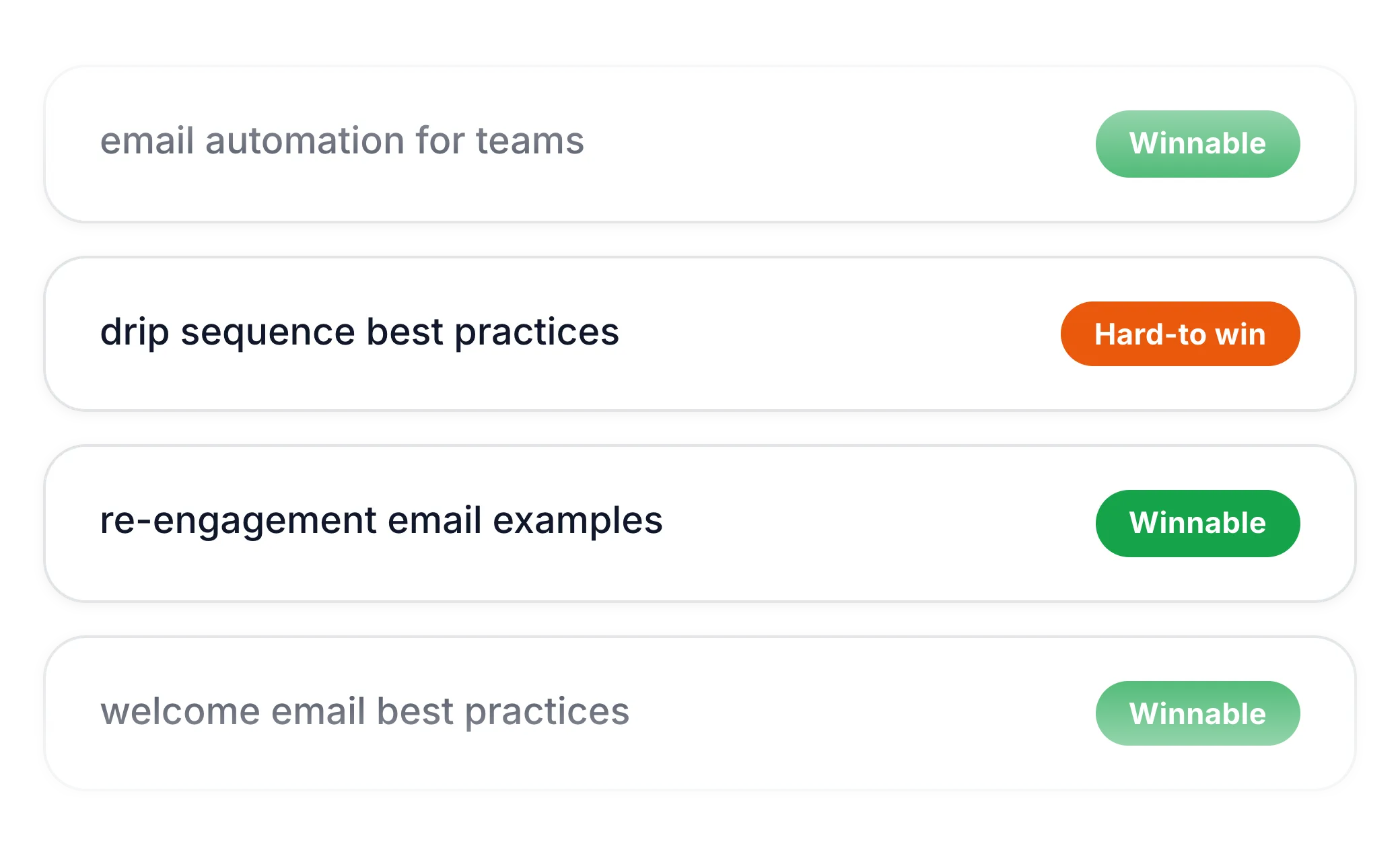
Open your themes, see the page opportunities inside each, and pick the clusters that best fit your product, audience, and ranking potential.
FAQ
Frequently asked questions